Getting started1 min read
Get started through your accountant
Open your personal invitation, check your company details and finish setting up.
Your accountant can prepare your company details before inviting you. Open the invitation, confirm that everything is correct and choose which sources you want to connect.
1. Open your personal invitation
Open the personal invitation your accountant shared with you.
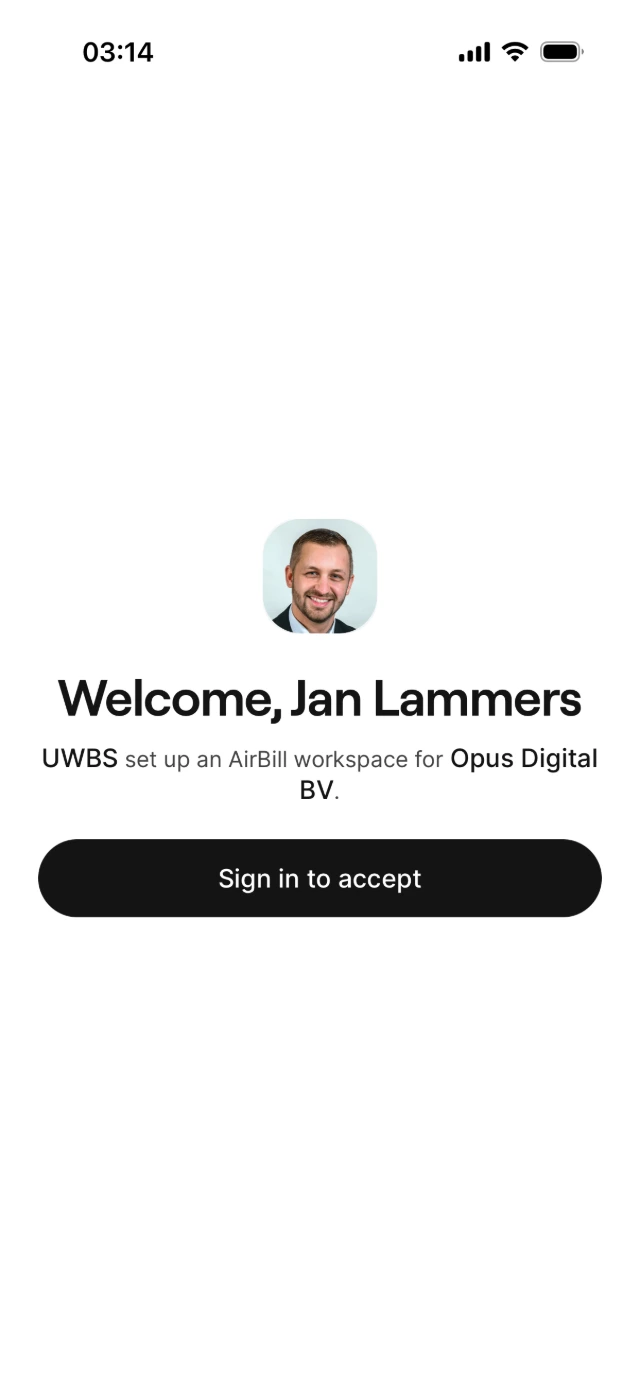
2. Sign in and confirm your company
Your accountant already entered them — just check that everything is correct.
3. Connect your bank — or skip
Link your business account so transactions flow in automatically. Select only this administration’s accounts, not private ones or other businesses.
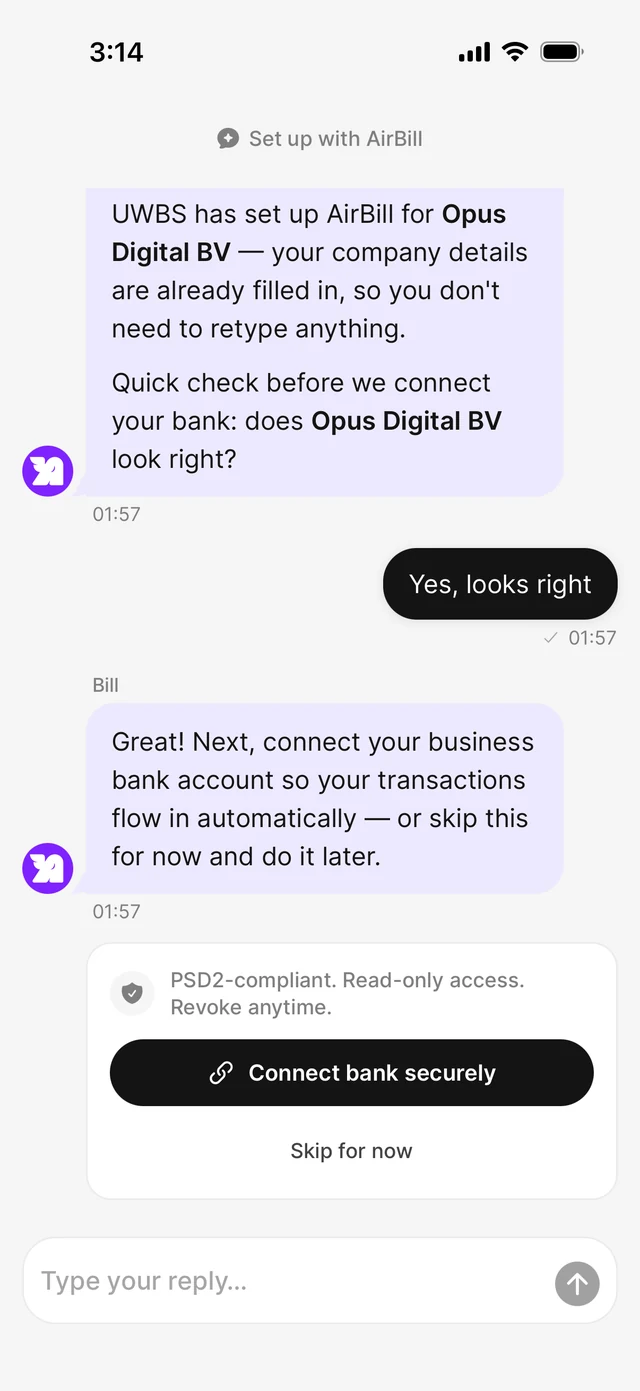
4. Finish and open your dashboard
That’s it — your administration is ready and you land on your dashboard.
Prefer to do this later? You can complete connections at any time.
Already using AirBill?
This invitation route is for onboarding a new user. If you have already completed onboarding, the app may block acceptance to avoid creating another business workspace. Ask your accountant or AirBill support to arrange access to your existing administration instead. For an expired or invalid link, ask your accountant for a new invitation.
View the AirBill getting-started guide
Need a hand?
Get in touch with your question about AirBill. We’re happy to help.